
Voice chat inside the game
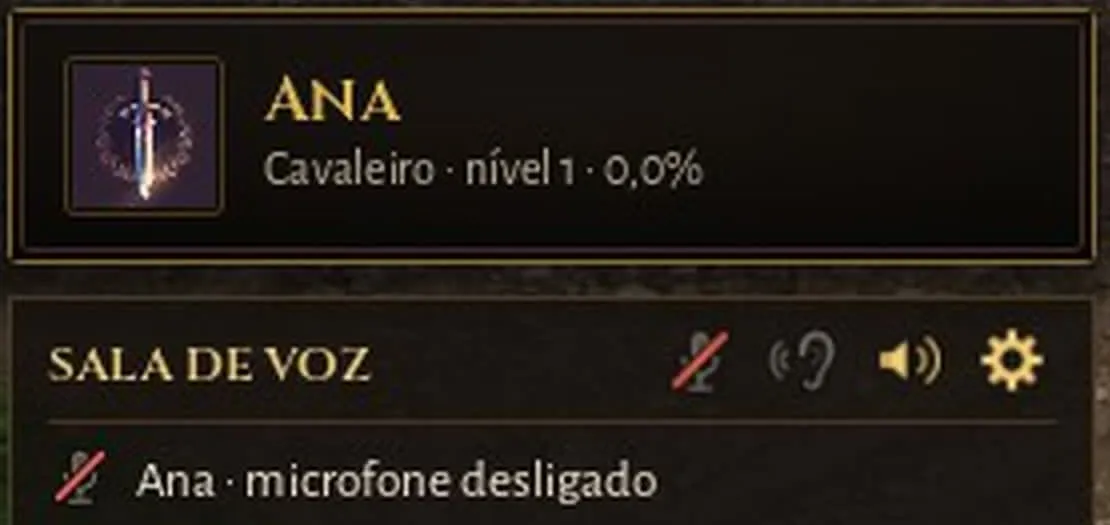
Kavoreno now has its own voice chat. It works in the browser and in the computer program, with no other app.
How to talk
- Hold V to talk with your party and with whoever is near.
- Hold G to talk only with your clan, wherever each of you is.
- If you prefer, switch to an open microphone in the voice options.
The first time, the browser asks for permission to use the microphone.
Who you hear
You always hear your party. Players outside your party who are near you are heard only if you turn on “Hear players near me” or click one of them. Nobody’s voice comes into your game unless you choose it.
The voice room
A box on the screen shows who is talking. From it you turn your microphone off, mute a particular player and open the options. While someone talks, the music and the game’s sounds lower by themselves.