
How to play
Three steps: choose where to play, create your character and take your first steps.
Choose where to play
In your browser
Nothing to install. Open the address and play.
- An up-to-date Chrome or Edge, on a computer.
- The first visit downloads about 500 MB. After that it stays in the browser.
- 60 frames per second on a PC with a graphics card, 30 on an ordinary laptop.
New accounts open at the server opening.
On your computer
The Windows and Mac programs are being tested and will come later.
Create your character
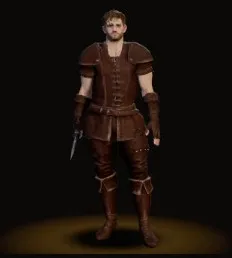
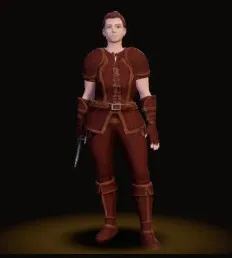
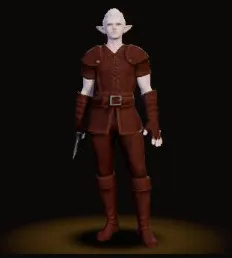
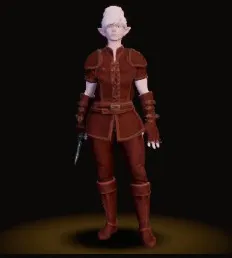
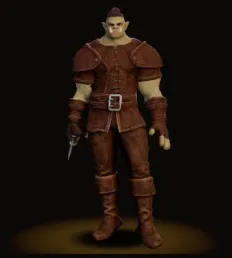
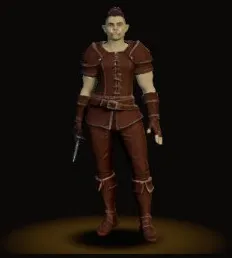
First the look: human, elf or orc, man or woman. Then the class: Knight, Archer or Mage. Last, the name.
First steps
You start in the Old Well village. Talk to whoever has a quest and follow the road.
- Click
- On the ground, you walk there. On a monster, you select it. The second click attacks.
- W A S D
- Also walks.
- 1 to 0
- The skill bar.
- I
- Inventory.
- K
- Skills.
- M
- World map. A click on the map walks there.
- B
- Bestiary.
- N
- Clan.
- U
- Emotes and dances.
- V
- Hold to talk by voice with your party.